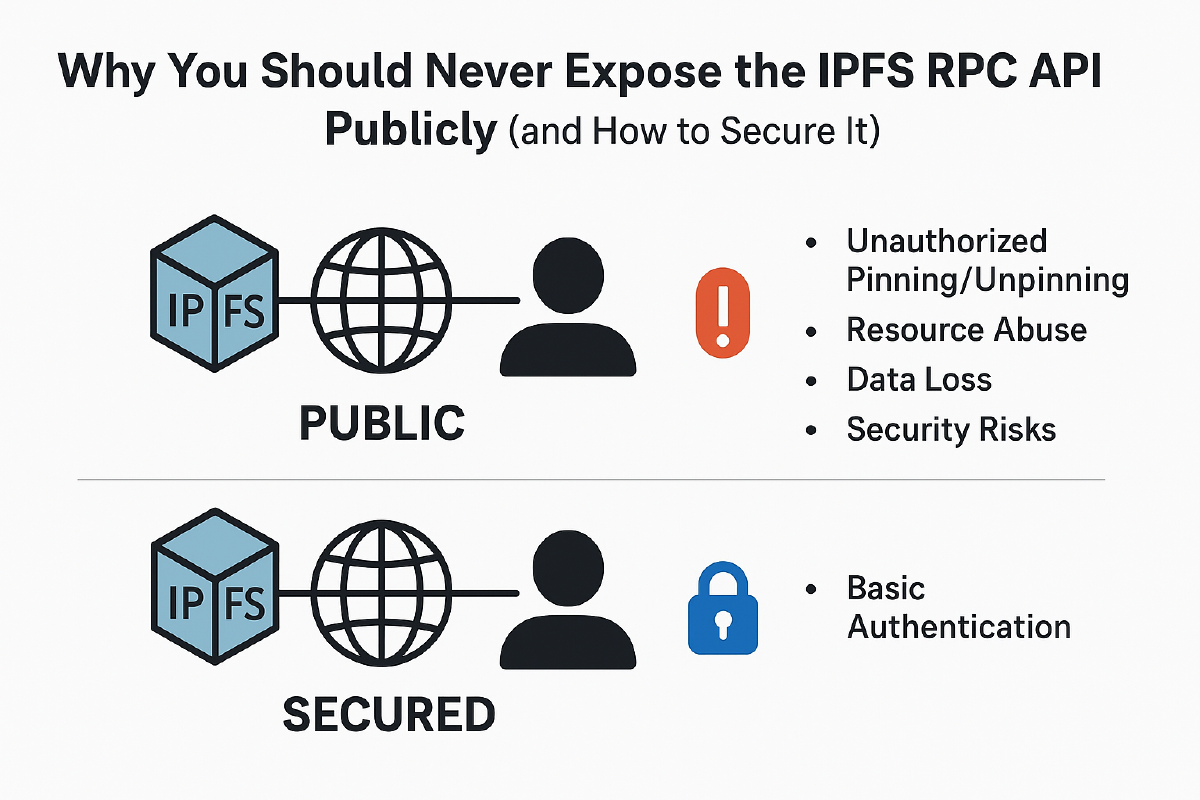

Why You Should Never Expose the IPFS RPC API Publicly (and How to Secure It)#
When running an IPFS node, one of the most important security considerations is how you handle ports and the RPC API. Many new users unknowingly expose their node’s RPC API to the internet, leaving it wide open for abuse. In this post, we’ll explore why this is dangerous and how you can protect yourself with IPFS’s built-in basic authentication.
The Role of Ports in IPFS#
IPFS uses several ports to handle communication:
- Swarm Ports – Used for peer-to-peer communication with the IPFS network.
- Gateway Port – Used to serve content to HTTP clients (default:
8080). - API (RPC) Port – Used to interact with your local node programmatically (default:
5001).
The API port is the most sensitive. It gives full control over your node: pinning, unpinning, adding, and retrieving files. If this port is exposed publicly, anyone could manipulate your node as if they had direct access to it.
Why You Shouldn’t Expose the RPC API#
Leaving the RPC API open to the internet means:
- Unauthorized Pinning/Unpinning – Strangers could pin huge files to your node, filling up your storage.
- Resource Abuse – Attackers might use your node as free infrastructure, at your expense.
- Data Loss – Someone could unpin important files and cause you to lose access.
- Security Risks – Malicious payloads or content could be forced onto your node, exposing you legally or technically.
In short: public RPC API = open invitation to abuse.
Securing the RPC API with Basic Auth#
Fortunately, IPFS provides a simple mechanism to protect your API: basic authentication. By enabling it, only requests with valid credentials will be able to interact with your node. Btw, this is very basic security solution you can use out of the box and of course if you want you can always over-engineer it :)
Step 1: Generate a Password Hash#
Run the following command to generate a hashed password:
ipfs config --json API.HTTPHeaders.Access-Control-Allow-Credentials '["true"]'
ipfs config --json API.HTTPHeaders.Authorization '["Basic <base64-user-pass>"]'
To create the <base64-user-pass> string:
echo -n "username:password" | base64
For example, admin:strongpass might become something like:
YWRtaW46c3Ryb25ncGFzcw==
Step 2: Add It to Your IPFS Config#
Edit your ~/.ipfs/config and under the API.HTTPHeaders section, add:
"API": {
  "HTTPHeaders": {
    "Access-Control-Allow-Origin": ["*"],
    "Access-Control-Allow-Credentials": ["true"],
    "Authorization": ["Basic YWRtaW46c3Ryb25ncGFzcw=="]
  }
}
This ensures only requests with the correct username and password can reach the API.
Step 3: Restart Your Node#
Restart IPFS to apply the changes:
ipfs shutdown
ipfs daemon
Now, all API calls must include the Authorization header:
curl -X POST -u "admin:strongpass" "http://127.0.0.1:5001/api/v0/pin/add?arg=QmHash..."
Best Practices#
- Bind the API to localhost only – Don’t bind to
0.0.0.0unless you absolutely need remote access. - Use Basic Auth for remote access – Even if bound locally, protect the API with auth.
- Reverse Proxy with TLS – For production, consider putting the API behind Nginx or Traefik with HTTPS.
Conclusion#
Understanding IPFS ports and protecting your RPC API is essential to keeping your node safe. Exposing the API without security is like leaving your house unlocked with the lights on—someone will eventually walk in. By enabling IPFS’s built-in basic auth, you can ensure only you (or trusted apps) have control over pinning, unpinning, and retrieving files.
Stay secure, and keep your IPFS node under your control!